
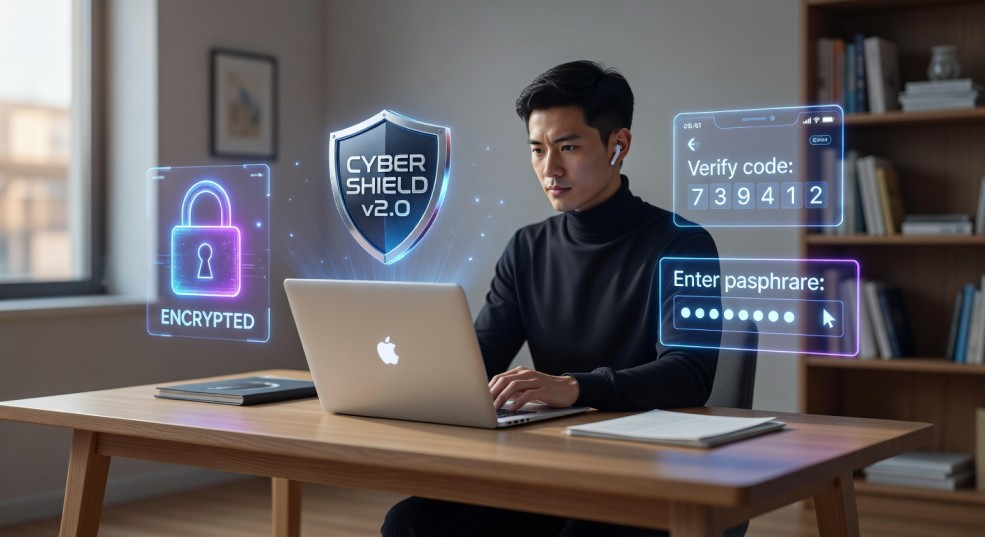
You probably don’t think much about account security… until something goes wrong. One day everything works fine — your email, social media, banking apps — and the next moment you can’t log in, your password doesn’t work, or a strange notification pops up. That sinking feeling is becoming more common as online threats grow smarter every year.
In 2026, protecting your online accounts isn’t just for tech experts. It’s a basic life skill, like locking your front door. The good news? You don’t need complicated tools or deep technical knowledge. A few smart habits can make a huge difference.
Let’s walk through simple, practical ways to keep your accounts safe — explained in plain, everyday language.
Why Online Security Matters More Than Ever
Most people assume hackers target big companies or celebrities. In reality, everyday users are easier targets. Cybercriminals often go after people who reuse passwords, ignore updates, or click suspicious links without thinking.
Your online accounts hold more than messages or photos. They store personal details, payment information, and sometimes access to other accounts. Once one account is compromised, others can fall like dominoes.
Think of your digital life as a house with many doors. Each account is a door. If even one is left unlocked, everything inside becomes vulnerable.
Use Strong Passwords (And Stop Reusing Them)
What Makes a Password Strong?
A strong password is:
- Long (at least 12–16 characters)
- Unique for each account
- Hard to guess
- Not based on personal information
Instead of something simple like:
Hammi123
Use a passphrase such as:
BlueRiver!Candle$Moon92
It looks complex, but it’s easier to remember if you imagine a scene or story behind it.
Why Reusing Passwords Is Risky
If you use the same password everywhere, one leaked account can unlock everything else. Hackers often test stolen passwords across many websites automatically. This is called credential stuffing — and it works surprisingly often.
A simple rule:
One account = one password. No exceptions.
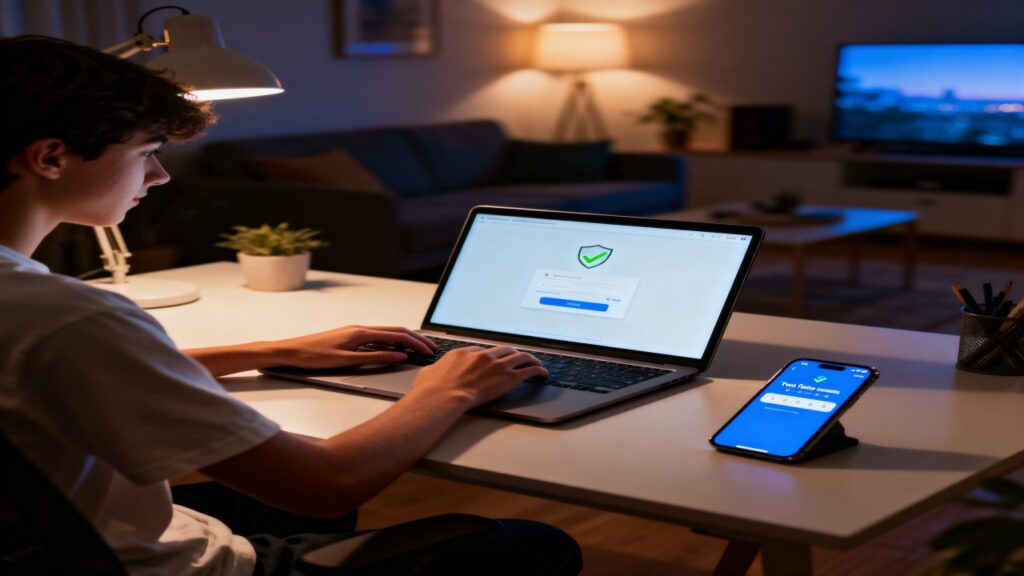
Turn On Two-Factor Authentication (2FA)
What Is 2FA?
Two-factor authentication adds a second step when logging in. After entering your password, you confirm your identity using something you have, like:
- A code sent to your phone
- An authentication app
- A fingerprint or face scan
Even if someone steals your password, they still can’t access your account without this second step.
Why It’s Essential in 2026
Passwords alone are no longer enough. Data leaks happen regularly, and automated attacks are faster than ever. Two-factor authentication blocks most unauthorized access attempts instantly.
If you enable only one security feature after reading this article, make it this one.
Beware of Phishing: The Most Common Trap
How Phishing Works
Phishing is when someone tricks you into giving away personal information. The message may look official, urgent, or even friendly. It might say:
- “Your account will be suspended”
- “Confirm your identity now”
- “You received a payment”
The link usually leads to a fake login page designed to steal your credentials.
How to Spot Suspicious Messages
Watch for these warning signs:
- Urgent language pushing quick action
- Strange email addresses
- Spelling mistakes or awkward wording
- Links that don’t match the official website
- Requests for passwords or verification codes
When in doubt, don’t click. Open the official website manually and log in from there.
A good habit:
Pause → Check → Then Act
Keep Your Devices Updated
Why Updates Matter
Software updates are not just about new features. Many updates fix security weaknesses that attackers actively try to exploit.
Using outdated apps or operating systems is like leaving a window open in your house. It gives intruders an easy entry point.
Smart Update Habits
- Turn on automatic updates whenever possible
- Update apps you use frequently
- Restart devices after major updates
- Remove apps you no longer use
It takes a few minutes but prevents major problems later.
Use a Password Manager
Why Humans Are Bad at Managing Passwords
Remembering dozens of strong passwords is nearly impossible. That’s why many people choose convenience over security. A password manager solves this problem.
What a Password Manager Does
It securely stores your passwords and fills them automatically when you log in. You only need to remember one master password.
Benefits include:
- Generates strong passwords instantly
- Saves time logging in
- Reduces password reuse
- Keeps credentials encrypted
For beginners, this is one of the easiest upgrades you can make to your security routine.
Secure Your Email First
Your email account is the master key to your digital life. Most password reset links go there. If someone controls your email, they can reset other accounts easily.
Steps to Protect Your Email
- Use a strong, unique password
- Enable two-factor authentication
- Review account recovery options
- Remove unknown devices or sessions
- Monitor login alerts
Think of email security as protecting the control center of your online identity.
Be Careful with Public Wi-Fi
Public Wi-Fi in cafés, airports, or malls is convenient but not always safe. On unsecured networks, attackers can sometimes intercept data being transmitted.
How to Stay Safe on Public Networks
- Avoid logging into sensitive accounts
- Use mobile data for banking or payments
- Turn off automatic Wi-Fi connection
- Log out after using important accounts
Public Wi-Fi is fine for browsing news or videos, but treat it like a shared space — not a private room.
Check Your Accounts Regularly
Security is not a one-time setup. It’s an ongoing habit.
What to Review Monthly
- Recent login activity
- Connected apps or devices
- Password changes
- Security alerts
- Backup email or phone number
Most platforms show where and when your account was accessed. If something looks unfamiliar, change your password immediately.
A quick monthly check can stop small problems from becoming big ones.
Protect Personal Information You Share Online
Oversharing makes accounts easier to hack. Many security questions use personal details like birth dates, pet names, or hometowns — information often visible on social profiles.
Safer Sharing Habits
- Limit public personal details
- Avoid posting sensitive documents
- Be cautious with online quizzes
- Review privacy settings regularly
Before sharing anything online, ask yourself:
“Would I share this with a stranger in real life?”
If the answer is no, reconsider posting it.
Create a Simple Security Routine
Security doesn’t need to feel overwhelming. A simple routine keeps everything under control.
Your 10-Minute Monthly Security Checklist
✔ Update important passwords
✔ Review account activity
✔ Remove unused apps
✔ Check recovery options
✔ Update devices
✔ Scan for suspicious messages
Consistency is more powerful than complexity.
What to Do If an Account Gets Compromised
Even careful users can face problems. What matters most is how quickly you respond.
Immediate Action Steps
- Change the password immediately
- Enable two-factor authentication
- Check recovery email and phone number
- Log out from all devices
- Contact platform support if needed
- Warn contacts if suspicious messages were sent
Fast action often prevents further damage.
And don’t panic — account recovery is usually possible when you act quickly.
The Future of Account Security
Security technology is improving rapidly. In 2026, many services are moving toward passwordless logins using biometrics, hardware keys, or secure authentication apps. These methods reduce reliance on traditional passwords and make unauthorized access harder.
Still, technology alone isn’t enough. Human habits remain the strongest defense.
Security is less about tools and more about awareness.
Final Thoughts: Stay Smart, Stay Safe
Protecting your online accounts doesn’t require technical expertise. It comes down to a few simple habits:
Use strong, unique passwords.
Turn on two-factor authentication.
Stay alert for suspicious messages.
Keep devices updated.
Review accounts regularly.
Think of online security like personal health. Small daily habits prevent big problems later. Once you build these habits, staying secure becomes automatic — just another normal part of life online.
And honestly, peace of mind is worth the effort.